The Multiro family
Expand your space.Keep your edge.
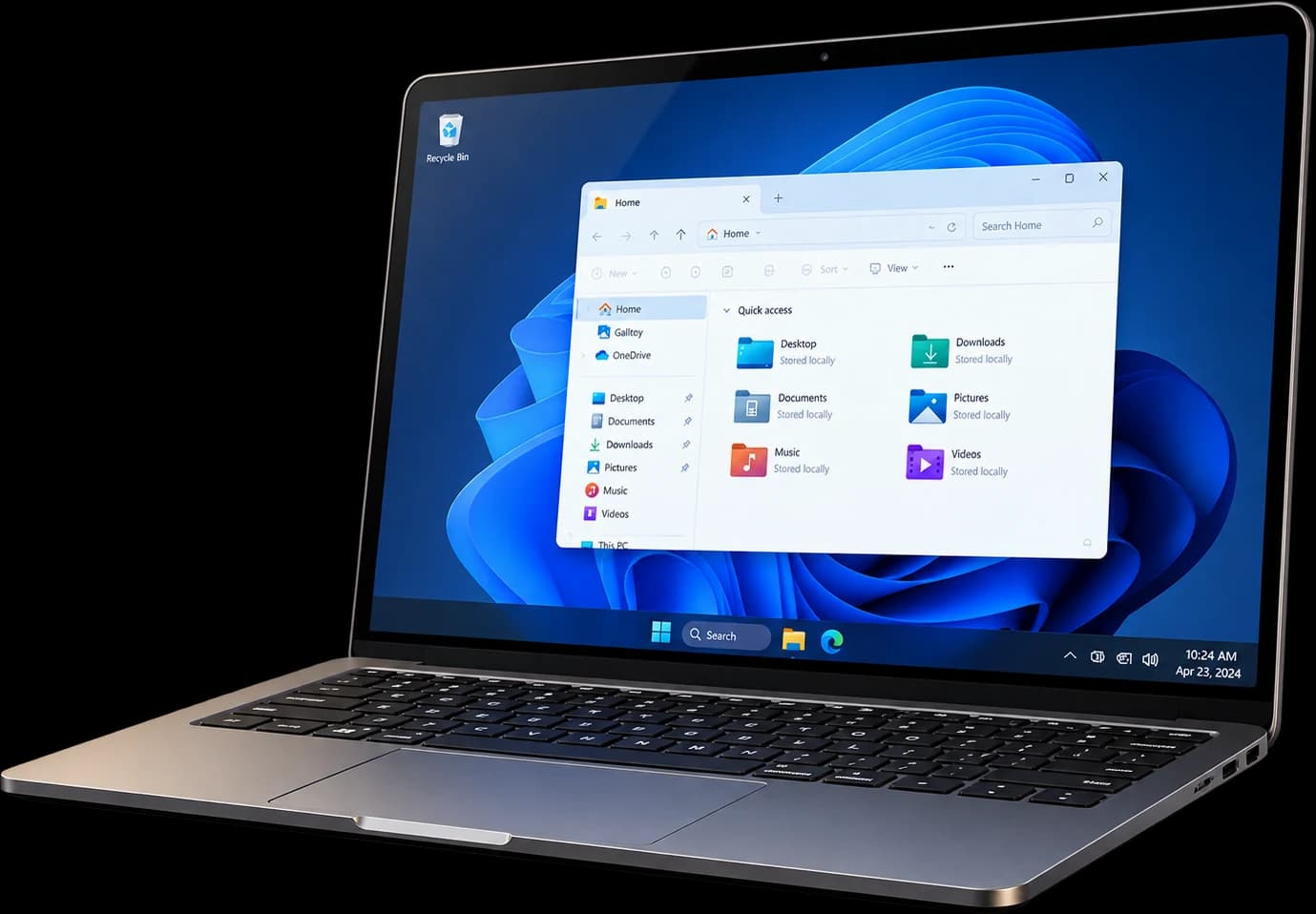
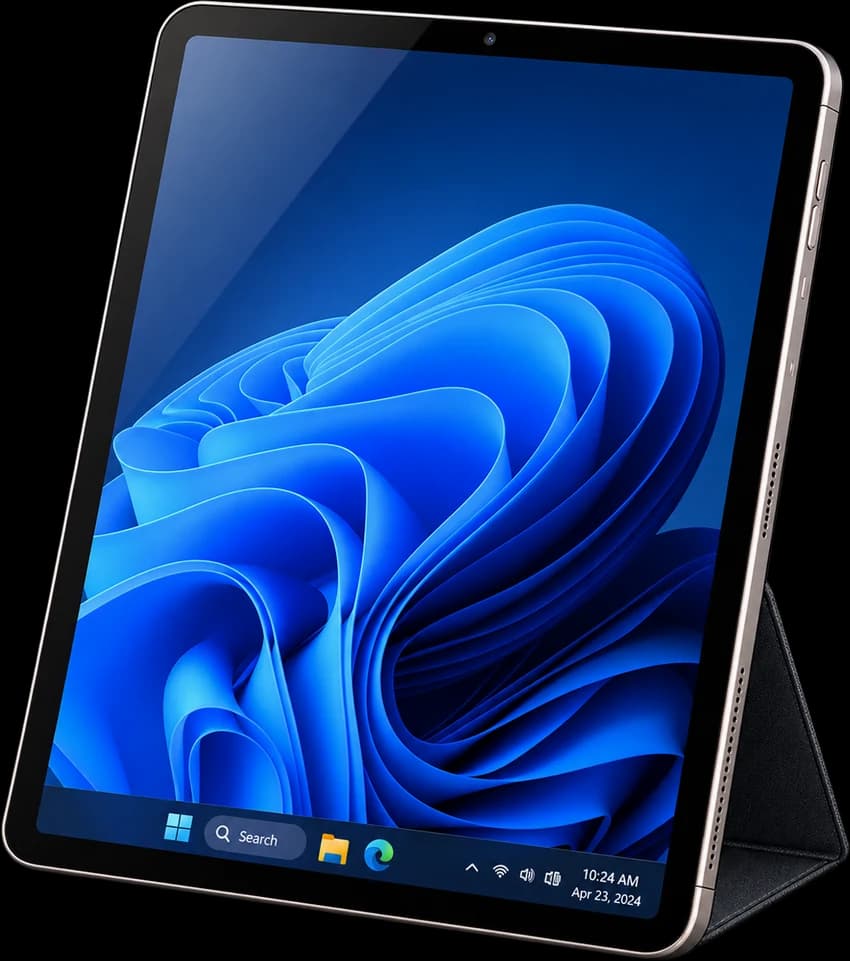
Give your work another screen. Give your video a sharper cut. Two focused tools that make room for what matters.
Multiro: video trimming and cross-device screen sharing
Tools for the way you work
Two independent products. One thoughtful approach.
 01 / MultiroSpanBeta program
Keep the work in view.Give references a screen.
Keep your work in front of you. Put the view you need on the iPad beside you. MultiroSpan brings your devices into one local Screen Share flow.
This Beta: Windows / Mac → iPad
Find the moment.Cut to what matters.
A great moment rarely needs the whole recording. Choose where it begins. Decide where it ends. Keep the part you wanted to share.
Open Multiro CutterA SIMPLE START
Your work. Your flow.
Start with what you want to do. The right tool should make the next step feel obvious.
- 01
Start on your computer
Begin pairing on Windows or Mac.
- 02
Confirm your iPad
Check the device and the connection.
- 03
Share the view
Put the screen you need beside your work.
MultiroSpan / Private Beta
One clear connection.Build what comes next.
This first wave focuses on Screen Share from Windows or Mac → iPad. Check availability, applications, and review status in the Portal.
Apply for BetaThe first connection
This wave does not include Camera, Files, Clipboard, Control, Signature, Android, or payments; applying for Beta does not mean a paid purchase.
Find the right plan
Understand it first. Then decide.
Compare free, trial, and paid plans. Accounts, eligibility, and transactions are handled in the Portal.